Halloween Patterns Icon-174: Versatile Vector Files for Spooky Design Projects
When the season calls for cobwebs, haunted houses, and grinning pumpkins, having the right design assets can make all the difference. Halloween Patterns Icon-174 offers a complete set of vector-based graphic files that bring spooky flair to any project without sacrificing quality or flexibility. Whether you are a professional designer, a small business owner preparing seasonal promotions, or a DIY enthusiast creating party decorations, this collection deserves a closer look.
This article walks through what Halloween Patterns Icon-174 includes, how it works, where it shines, and what to consider before downloading. You will gain a practical understanding of its value and learn how to evaluate whether it fits your specific creative needs.
What Is Halloween Patterns Icon-174?
Halloween Patterns Icon-174 is a curated set of Halloween-themed pattern icons delivered in multiple vector file formats. Instead of raster images that pixelate when enlarged, these files rely on mathematical paths that remain crisp at any size. Inside the ZIP archive, you receive six distinct file types: Ai 10, EPS 10, PNG, JPEG, DXF, and SVG. This range ensures broad compatibility across design workflows, from professional vector editors to simple preview tools.
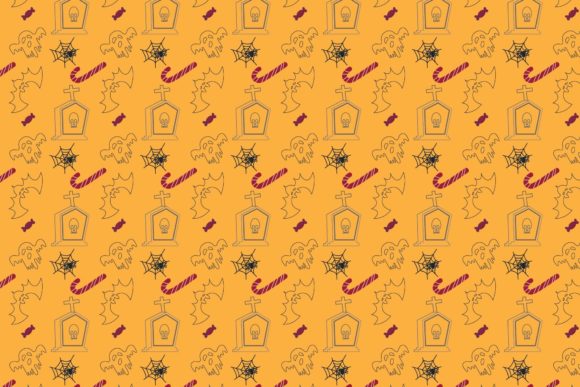
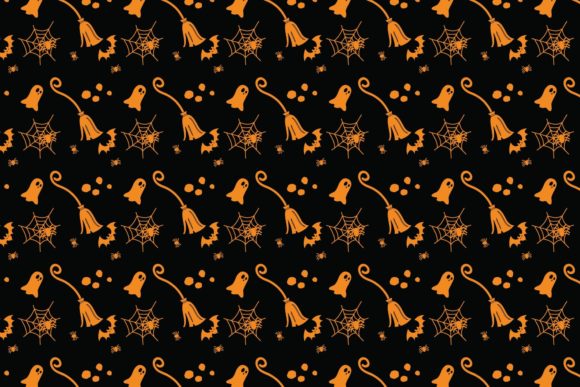
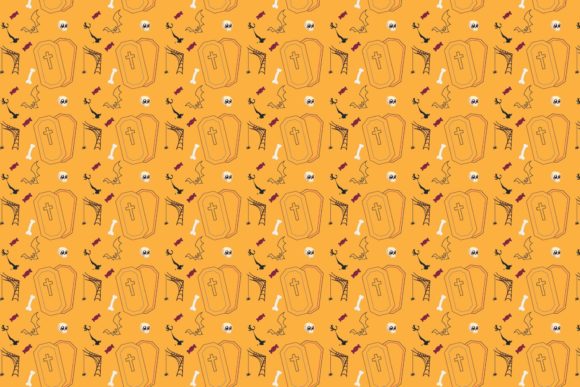
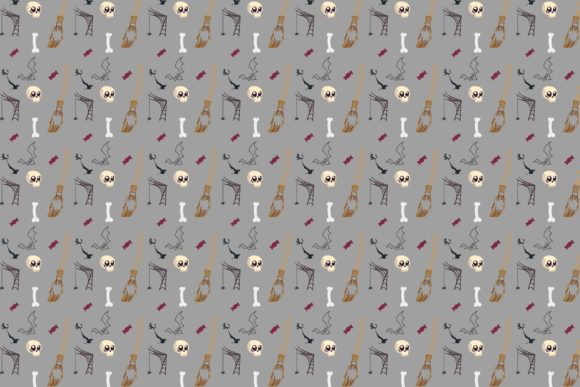
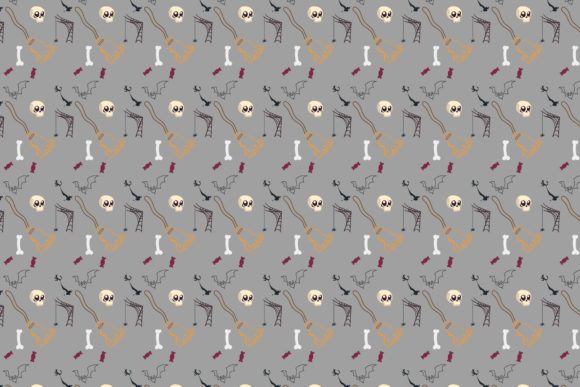
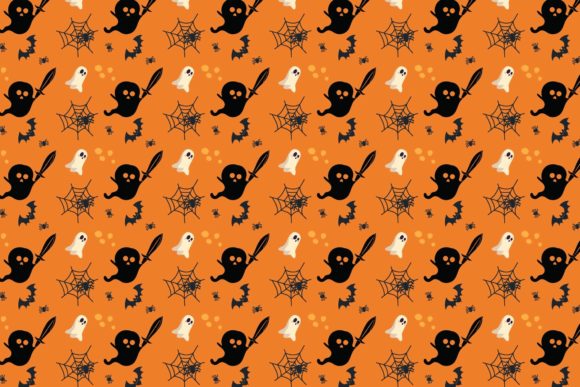
The patterns themselves are built around classic Halloween imagery—think bats, ghosts, spiderwebs, jack-o'-lanterns, and autumn leaves—arranged into repeating designs that can be applied as backgrounds, textures, or standalone decorative elements. Because they are vector based, you can open, edit, and resize each icon without losing any detail.
Who Benefits from This Icon Set?
A wide range of users can find value in Halloween Patterns Icon-174. Here are the main groups:
- Graphic designers and illustrators who need scalable, editable Halloween assets for client work or personal portfolios.
- Small business owners creating seasonal marketing materials like flyers, social media graphics, or in-store signage.
- Print-on-demand sellers designing T-shirts, mugs, tote bags, and other merchandise with Halloween themes.
- Event planners and party hosts making custom invitations, banners, or decoration templates.
- Educators and crafters producing classroom materials, scrapbook pages, or DIY projects that require clean, resizable artwork.
- Web developers and content creators looking for lightweight SVG icons or backgrounds that load fast and scale across devices.
No matter your background, if you need Halloween patterns that hold up under resizing and editing, this set offers a practical starting point.
Multiple Vector File Formats
The ZIP file includes Ai 10, EPS 10, and SVG files, all of which are native vector formats. These can be opened in programs like Adobe Illustrator, Corel Draw, Inkscape, Affinity Designer, and many others. Additionally, you get DXF for CAD-like use, plus PNG and JPEG for quick previews or direct use in non-vector software. This variety means you rarely need to worry about compatibility.
Editable and Resizable Without Quality Loss
Because vector graphics are built on points and curves rather than pixels, you can enlarge a bat icon to poster size or shrink it to a favicon and every edge remains smooth. Colors, strokes, and shapes can be modified easily inside your vector editor. This is especially useful when you need to match a brand palette or adjust a pattern's scale.
Openable in Industry-Standard Software
The files are designed to work with Adobe Illustrator, Corel Draw, and other vector-based graphics programs. You do not need obscure or expensive tools to use them. Even free alternatives like Inkscape can handle SVG and EPS files without issue.
Included Preview and Raster Options
The PNG and JPEG versions let you quickly check how the patterns look without opening a vector editor. They are also handy for projects that only accept raster images, such as certain online platforms or quick mockups.
Practical Applications and Real-World Scenarios
Let's explore how Halloween Patterns Icon-174 can be used in actual projects:
- Social media graphics: Use an SVG pattern as a repeating background for an Instagram post advertising a Halloween sale. Scale it to fit any screen size without blurring.
- Print materials: Import the Ai or EPS file into your layout software to create flyers, posters, or coupon cards. Resize elements freely to match your print dimensions.
- Merchandise design: Open the DXF or SVG file in a cutting machine or print-on-demand interface to place a ghost pattern on a T-shirt or tote bag.
- Website backgrounds: Load an SVG pattern as a CSS background image for a Halloween landing page. The vector format keeps file sizes small and looks sharp on retina displays.
- Educational worksheets: Teachers can import the patterns into classroom materials like Halloween-themed math sheets or coloring pages, adjusting sizes as needed.
- Party decorations: Print the PNG or JPEG versions directly onto cardstock for banners, cupcake toppers, or treat bag labels.
Each scenario leverages the resizable and editable nature of the vector files, saving time and reducing frustration.
Strengths Worth Highlighting
- Scalability: No pixelation at any size, making the set suitable for both tiny icons and large banners.
- Editability: Change colors, rearrange elements, or combine patterns easily inside your vector editor.
- Multi-format delivery: Six file types cover nearly every use case, from professional design to quick printing.
- Immediate usability: The included PNG and JPEG files let you start using the patterns right away, even without vector software.
- Broad software compatibility: Ai, EPS, SVG, and DXF are widely supported across platforms and price points.
Considerations and Limitations
While Halloween Patterns Icon-174 offers excellent versatility, it helps to keep a few points in mind:
- Vector software required for full editing: To modify colors, shapes, or layout, you need a program that can open Ai, EPS, or SVG files. Free tools like Inkscape work, but there is a small learning curve if you are new to vector graphics.
- Pattern repetition style: The patterns are designed as repeating tiles. If you need a single, large standalone illustration rather than a pattern, this set may not be the best fit.
- Theme specificity: These are unapologetically Halloween-focused. If you need generic fall or harvest imagery, the motifs may feel too spooky for your project.
- No preview of every pattern: The ZIP file contains multiple patterns, but you may want to check the included JPEG or PNG previews to ensure they match your aesthetic before committing to heavy editing.
How to Evaluate If This Set Is Right for Your Project
Before downloading Halloween Patterns Icon-174, ask yourself a few questions:
- Do I need scalable Halloween graphics? If your project involves printing at various sizes or designing for different screen resolutions, vectors are the way to go.
- Do I have access to vector editing software? If yes, you can unlock the full potential of the set. If not, the PNG and JPEG files still provide usable patterns.
- Are repeating patterns suitable for my design? The set works best for backgrounds, textures, and tiled elements. If you need standalone icons arranged manually, you can still extract individual elements, but it may require more work.
- Does the Halloween theme match my audience? Consider whether your end users expect traditional Halloween motifs or something more subtle. This set leans into classic, recognizable imagery.
Answering these questions will help you decide quickly whether this icon set saves you time or sits unused in your downloads folder.
Tips for Getting the Most Out of the Files
- Organize before you edit: Unzip the folder and keep the Ai, EPS, SVG, DXF, PNG, and JPEG files together. Rename them if needed to match your project.
- Work in layers: When you open the Ai or EPS file in Illustrator or Corel Draw, take advantage of layers to separate pattern elements. This makes color changes and adjustments far easier.
- Save your edits in native formats: After customizing, save a copy in the program's native format (e.g., .ai or .cdr) so you can revisit edits later. Export to SVG or PDF for final use.
- Test scale early: Resize the pattern to your target dimensions early in the process to confirm it looks the way you expect.
- Combine patterns: If you have multiple Halloween projects, mix and match elements from different patterns to create unique designs.
Final Thoughts
Halloween Patterns Icon-174 delivers a practical, high-quality set of vector Halloween patterns that work across a wide range of software and use cases. Its multi-format delivery—Ai 10, EPS 10, PNG, JPEG, DXF, and SVG—means you can open, edit, and resize the files without losing quality, whether you are designing a flyer, decorating a website, or crafting merchandise. The set is especially valuable for professionals and creators who need flexible, scalable assets that adapt quickly to different project requirements.
While it helps to have vector editing experience for full customization, the included raster formats ensure that even beginners can start using the patterns immediately. If you are looking for Halloween-themed design resources that prioritize both quality and versatility, this collection deserves a spot in your toolkit.