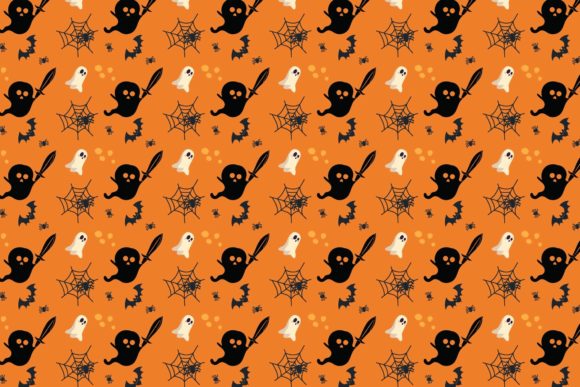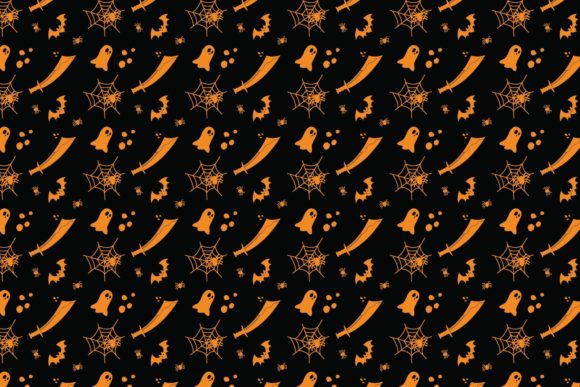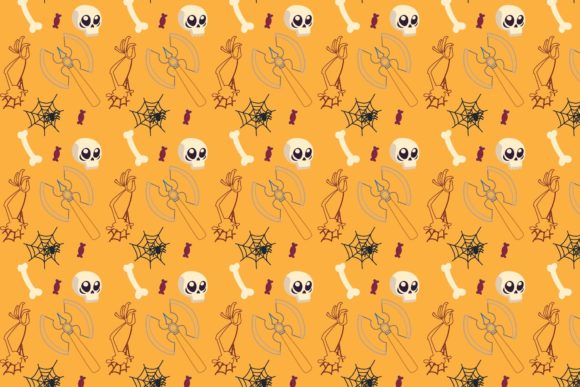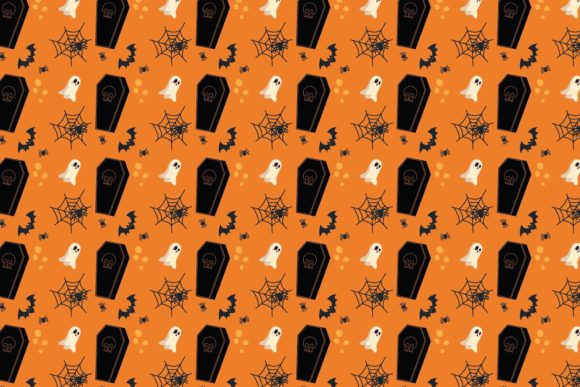
Halloween Patterns Icon–057: A Versatile Vector Set for Seasonal Design
When you need Halloween visuals that hold up across print, web, merchandise, and signage, the format of your source files matters as much as the artwork itself. Halloween Patterns Icon–057 offers a complete package of vector-based Halloween flat icon files that preserve crisp edges at any scale. The set includes multiple file formats within a single ZIP archive: Ai 10, EPS 10, PNG, JPEG, DXF, and SVG. This range means you can open, edit, and resize every element without degrading image quality, whether you work in Adobe Illustrator, Corel Draw, or another vector-compatible program.
For designers, small business owners, and content creators who need reliable Halloween assets, understanding what this set contains and how to use each format can save time and improve the consistency of your projects. Let's explore what Halloween Patterns Icon–057 offers, who benefits most from its structure, and how you can put these files to practical use.
What Makes Vector Halloween Graphics Different from Raster Alternatives
Many Halloween image sets rely on raster files like JPEG or PNG. While those formats work for quick social media posts or basic web graphics, they lose sharpness when scaled up for banners, signs, or large-format prints. Vector files solve this limitation by storing artwork as mathematical paths rather than pixel grids. Halloween Patterns Icon–057 is built around vector formats (Ai, EPS, SVG, DXF) that let you enlarge a pumpkin icon or ghost silhouette to poster size while maintaining clean, jagged-free edges.
For professionals who produce both small digital ads and large physical signage, this scalability eliminates the need to rebuild artwork at different sizes. You export one source file at whatever dimensions your project requires. This practical advantage reduces rework and gives you consistent visual quality across touchpoints.
How the File Formats Serve Different Workflows
Inside the ZIP file, you receive six file types. Each one suits a particular stage of production or output medium:
- Ai 10 and EPS 10 – These are industry-standard vector formats compatible with Adobe Illustrator, Corel Draw, Affinity Designer, and similar programs. Use them when you need to customize colors, combine icons, or adjust individual shapes. They preserve layers, groups, and editability so you can treat each element as a separate object.
- SVG – Scalable Vector Graphics work natively on the web. If you build websites, newsletters, or digital products, SVG files load quickly, remain crisp on retina screens, and can be styled with CSS. Halloween Patterns Icon–057's SVG assets integrate directly into HTML without extra plugins.
- DXF – This format matters if your workflow involves CAD software, laser cutting, or CNC routing. A DXF file allows you to take Halloween patterns into physical production, such as cutting stencils, engraving decorations, or fabricating signage.
- PNG and JPEG – These raster exports give you ready-to-use images for quick placements. PNG preserves transparency, which is useful when layering icons over dark backgrounds. JPEG works well for email headers or previews where file size matters.
Having all six formats in one download means you do not need to convert files manually or worry about losing quality during translation. You grab the format that fits your current task.
Who Benefits from Halloween Patterns Icon–057 in Real Projects
Different audiences will find specific value in this set depending on their role and output goals. Here are several scenarios where the vector Halloween flat icon files become directly useful.
Small Business Owners and Entrepreneurs
If you run a seasonal business, a café, a retail shop, or a service that decorates for Halloween, you likely need flyers, social media posts, window decals, and promotional signage. Starting with vector files from Halloween Patterns Icon–057 lets you resize the same icon for a business card and a storefront banner without reordering artwork. You can also change the color palette to match your brand, swapping orange for a custom accent or adjusting contrast for better legibility at a distance.
Because the set includes EPS and Ai formats, your local print shop or freelance designer can open the files directly. This avoids back-and-forth communication about file compatibility and reduces the chance of misaligned artwork.
Freelance Designers and Creative Professionals
For designers who produce Halloween-themed projects for multiple clients, having a flexible icon set saves time during the concept phase. You can drop a ghost or bat icon into a layout, adjust its proportions, and iterate quickly. The vector nature means you can combine icons, rotate elements, and merge shapes without resolution penalties.
The DXF format adds an extra capability for designers who move into physical goods. If you create laser-engraved coasters, cut vinyl decals, or 3D-printed decorations, the DXF file gives you a clean path to import into fabrication software. This expands your service offering beyond digital design.
Marketers and Content Creators
Marketers producing email campaigns, landing pages, or social media assets for Halloween promotions benefit from SVG files. Embedding SVG icons directly into HTML code keeps page load speeds low and ensures the graphics match the surrounding text size. You do not need to save multiple resolutions for mobile versus desktop.
Additionally, JPEG and PNG files in the ZIP give you immediate assets for platforms that do not support vector uploads. You can schedule posts, create banners, and build templates faster when the export work is already done.
Educators and Hobbyists
Teachers preparing classroom materials, printable worksheets, or event fliers appreciate the editability of vector files. You can recolor icons to fit a lesson theme, enlarge them for bulletin boards, or combine them with text without worrying about pixelation. Hobbyists who craft party decorations, scrapbooks, or DIY home decor can also open the Ai or EPS files in free tools like Inkscape or Gravit Designer, provided the software supports the format.
Practical Considerations When Using These Files
No single asset set fits every project perfectly, and Halloween Patterns Icon–057 has a few characteristics worth noting before you purchase or download.
Compatibility with Your Software
The EPS and Ai 10 files are developed for vector-based graphics programs. If you use an application that does not fully support these formats, such as basic image viewers or mobile-only apps, you may lose editability. However, the presence of SVG, DXF, PNG, and JPEG gives you fallback options. SVG opens in most modern browsers and many lightweight editors, while PNG and JPEG work universally.
Before committing to this set, confirm that your primary design tool can import at least one of the vector formats. Adobe Illustrator, Corel Draw, Affinity Designer, Inkscape, and similar programs handle EPS and Ai 10 without issue.
Scope of the Icon Set
Halloween Patterns Icon–057 focuses specifically on flat icon style. If your project requires photorealistic Halloween imagery or highly textured illustrations, this set may not match your visual direction. The value here lies in clean, consistent vector shapes that you can treat as building blocks rather than finished compositions. For users who need modular, reusable elements that integrate into larger layouts, the flat style works well.
Customization Effort
Because the files are fully editable, you assume the responsibility of adjusting colors, sizes, and layouts yourself. If you prefer ready-made compositions that require no modifications, the included PNG and JPEG files give you instant results. But the deeper benefit emerges when you invest a few minutes to tailor the icons to your specific color scheme or arrangement.
Practical Recommendations for Getting the Most Out of Halloween Patterns Icon–057
Based on how experienced designers and content producers work with similar vector sets, here are a few approaches that maximize the utility of these files.
Start by opening the Ai or EPS file in your vector editor and reviewing the layers. Many icon collections organize elements on separate layers, allowing you to hide, recolor, or reposition individual icons without disturbing others. If the set follows this pattern, you can extract a single motif or combine multiple icons into a custom composition.
For web projects, export your customized icon as SVG directly from your vector software. This keeps the file weight low and preserves scalability. For print projects, export at the final output size in EPS or PDF to maintain vector integrity through the printing pipeline. If you need physical production, open the DXF file in your design or CAD program and confirm the scale matches your cutting bed dimensions.
Consider building a small library of Halloween assets by saving altered versions of the icons. For example, create a green variant of the pumpkin for a monster theme or a transparent ghost silhouette with lowered opacity. Keeping these adjusted files in your project folder helps you reuse them next season without redoing the work.
Why Vector Flat Icon Files Support Long-Term Creative Work
Halloween Patterns Icon–057 fits into a broader shift toward modular, resolution-independent design assets. When you invest in vector icon sets, you build a library that remains usable regardless of how output technology changes. A vector file you create today will scale to tomorrow's 8K screens or large-format printers without becoming obsolete.
For professionals who value efficiency, having Ai, EPS, SVG, DXF, PNG, and JPEG files in one ZIP reduces the friction of switching between tools. You open the format you need, complete your task, and move forward without conversion delays. The practical outcome is more time spent designing and less time managing file logistics.
If your work regularly involves Halloween-themed graphics for marketing, events, products, or personal projects, this set gives you a reliable foundation. The combination of openable, editable, and resizable vector files supports both immediate output and long-term reuse.