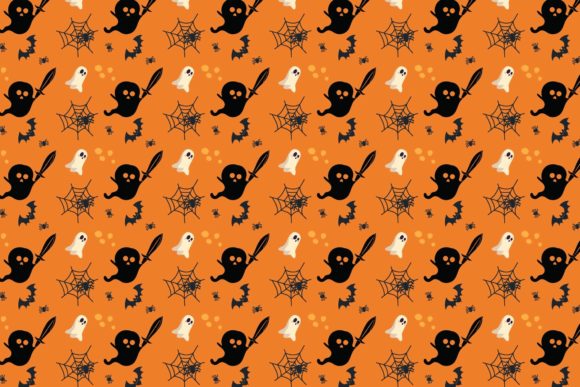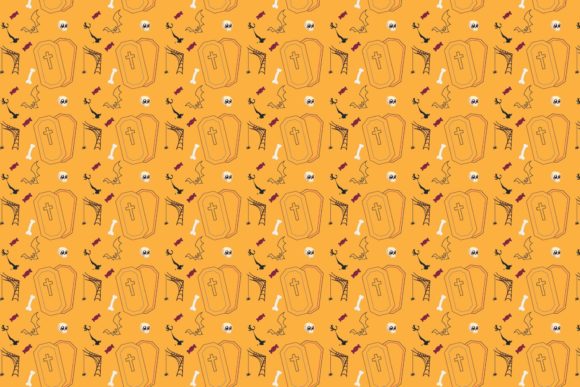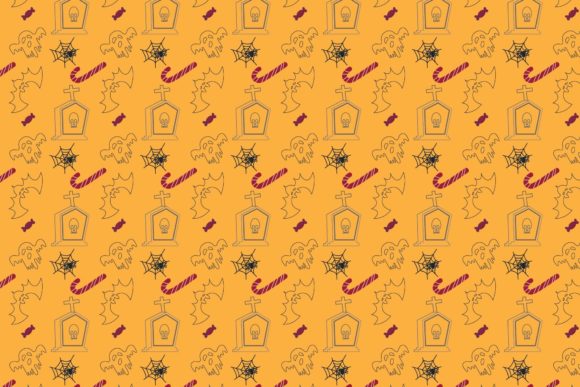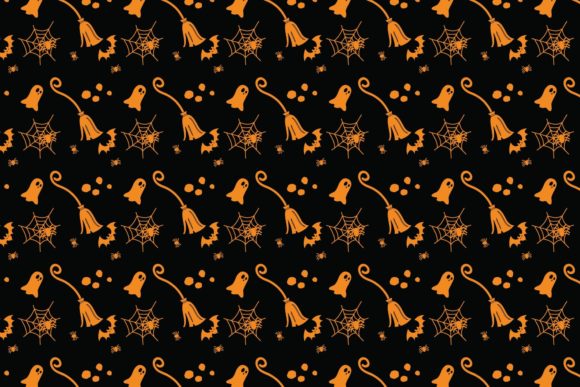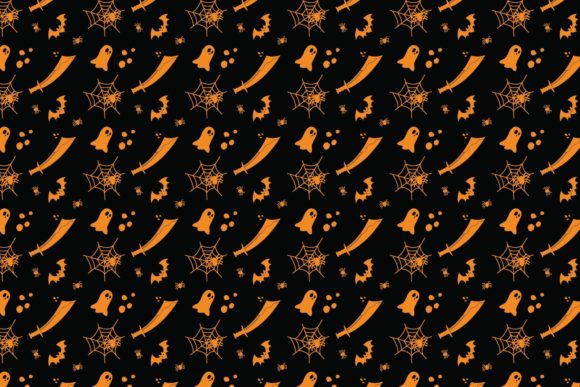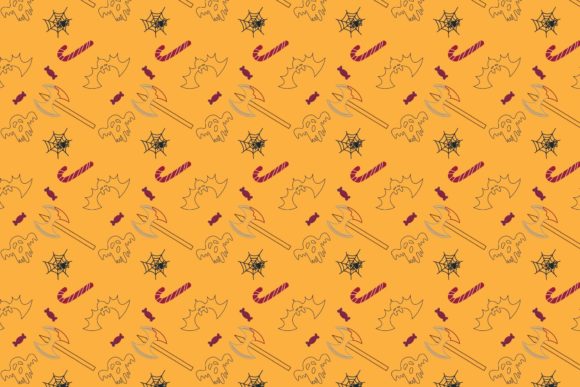
Working with Halloween Patterns Icon-083: Vector Flexibility for Spooky Season Projects
Every designer, crafter, or content creator knows the seasonal scramble: Halloween rolls around, and suddenly everyone needs themed graphics that look polished, scale properly, and don’t disintegrate into pixelated mush the moment you resize them. That’s exactly where Halloween Patterns Icon-083 enters the picture. This particular icon set—bundled inside a neatly organized ZIP file—is built around the kind of vector architecture that lets you stretch, shrink, color-shift, and repurpose assets without losing an ounce of quality. Whether you’re laying out a haunted house flyer, designing a spooky website banner, or cutting vinyl decals for trick-or-treat bags, having the right file formats on hand makes all the difference.
Let’s talk about what’s actually inside that ZIP, why each format matters, and how you can put Halloween Patterns Icon-083 to work in real-world projects—without needing a degree in graphic engineering.
What Makes Halloween Patterns Icon-083 Different from a Raster Graphic
The short answer: vectors are built from math, not pixels. A raster image (like a standard JPEG or PNG) is a fixed grid of colored squares. Enlarge it beyond its original size, and you’ll see jagged edges and blurriness. Vector files, on the other hand, store paths, curves, and color information as mathematical formulas. That means you can scale a single element from a postage stamp to a billboard without degradation.
Halloween Patterns Icon-083 is delivered in multiple vector-friendly formats: Ai 10, EPS 10, DXF, and SVG. Each one has specific strengths depending on the software you’re using and the output you need. The included PNG and JPEG files serve as ready-to-use raster versions, but the real power lies in the editable vector files. If you’ve ever tried to change the color of a pumpkin icon inside a flattened JPEG, you know the frustration. With the vector versions, every shape, line, and fill remains fully editable.
Format Breakdown: What’s Inside the ZIP
Let’s walk through each file type included with Halloween Patterns Icon-083 so you know exactly what you’re working with:
- Ai 10 File – Native Adobe Illustrator format from around the CS era. Widely compatible and opens cleanly in modern Illustrator versions. Good for layered editing and keeping smart guides intact.
- EPS 10 File – Encapsulated PostScript. A universal vector format that Illustrator, Corel Draw, Affinity Designer, and even older software can read. EPS 10 carries solid compatibility for print workflows.
- PNG File – Portable Network Graphics. Transparent background, good for quick web use or placing over dark backgrounds. Raster, so resizing is limited, but handy when you need a drop-in image.
- JPEG File – Standard compressed image. No transparency, but small file size. Useful for previewing or using in applications that don’t support vectors.
- DXF File – Drawing Exchange Format. Originally from AutoCAD, but now supported by many CAD programs, laser cutters, and CNC machines. Great if you plan to engrave or cut physical materials.
- SVG File – Scalable Vector Graphics. Native web format. You can drop an SVG directly into HTML, style it with CSS, and animate it with JavaScript. Perfect for responsive design.
Having all six formats in one ZIP means you don’t have to convert anything. Open the file that matches your workflow and start editing immediately.
Practical Use Cases for Halloween Patterns Icon-083
Vector icon sets like this one aren’t just for graphic designers. They serve a surprisingly wide range of industries and hobbyists. Here are some scenarios where Halloween Patterns Icon-083 can save time and deliver professional results:
Print Design and Signage
If you’re producing posters, flyers, or banners for a Halloween event, scaling is critical. A 2-inch icon on a flyer might need to become a 3-foot element on a yard sign. With vector files, you simply drag a corner handle and the icon stays crisp. The EPS and Ai formats are ideal for print layouts because they preserve color profiles and allow you to separate elements for spot-color printing. You can also edit the strokes and fills to match your brand palette—no need to hunt for a matching shade of orange.
Web and Mobile Design
SVG files have become a staple in modern web development. Because they’re code-based, they load fast, scale responsively, and can be styled dynamically. Drop Halloween Patterns Icon-083 into a website header, button, or background pattern, and it will look sharp on retina displays, mobile screens, and 4K monitors alike. You can also animate individual SVG paths with CSS or JavaScript to add floating ghosts, rotating pumpkins, or pulsing stars. The PNG and JPEG versions serve as fallback images for older email clients or legacy CMS platforms that don’t support SVG.
Laser Cutting and CNC Engraving
This is where the DXF format shines. If you own or have access to a laser cutter, you can import the DXF file directly into LightBurn, LaserGRBL, or your machine’s software. The vector paths define exactly where the laser should cut or engrave. Imagine creating custom Halloween coasters, wooden signs, acrylic ornaments, or leather keychains featuring icons from the set. Because the shapes are clean and closed paths, you won’t get stray cuts or incomplete engraving. The DXF format is also useful for vinyl plotter cutting—perfect for making wall decals or car window stickers.
Digital Planners and Printables
Creators who sell digital planners, stickers, or printables on platforms like Etsy or Gumroad will find the SVG and PNG formats especially useful. You can import the icons into GoodNotes, Notability, or Procreate and use them as sticker elements, page accents, or cover designs. Because the icons are vector-based, you can resize them inside those apps without worrying about pixelation. The transparent PNGs also work well for layering in photo editing apps like Canva or Photoshop.
Editing and Customizing Without Quality Loss
One of the biggest selling points of vector files is the ability to edit freely. With Halloween Patterns Icon-083, you can:
- Change any color instantly. Select a path and apply a new fill or stroke. Want black cats in purple instead of black? Done.
- Scale individual elements independently. Maybe you want one ghost larger than another for a sense of depth. No problem.
- Remove or hide elements you don’t need. The EPS and Ai files typically keep objects on separate layers or groups, so you can isolate a single bat or moon without deleting the rest.
- Combine icons with other vector graphics. Because the files are standard formats, you can copy and paste between documents or merge them into a larger composition.
- Export to any other format you need. Open the AI or EPS file, make your edits, and export as PDF, TIFF, WebP, or any format your project requires.
This kind of flexibility is especially valuable when you’re working under a tight deadline. Instead of hunting for a new icon that exactly matches your color scheme, you can adapt what you already have.
Compatibility with Major Design Software
Not everyone uses Adobe Illustrator. The vector formats included with Halloween Patterns Icon-083 are designed to be software-agnostic. Here’s how they typically behave across popular programs:
- Adobe Illustrator – Opens Ai and EPS natively. SVG files import cleanly, though sometimes with minor stroke adjustments. DXF imports via the “Open” or “Place” command.
- Corel Draw – Works well with EPS and SVG. Corel also handles DXF files for CAD-like workflows.
- Affinity Designer – Opens EPS and SVG smoothly. Ai files may require exporting to a more universal format first, but EPS typically works.
- Inkscape (free and open-source) – SVG is native. EPS and DXF can be imported with some plugins or converted. Great option for budget-conscious creators.
- Gravit Designer / Vectornator – SVG is your best bet. Clean imports with editable paths.
- AutoCAD / LibreCAD – DXF is the standard. The CAD-like structure of DXF allows you to snap to endpoints, measure distances, and prepare files for fabrication.
If you’re ever unsure which format to use, start with SVG for web work or EPS for print and cross-software compatibility. Both are widely supported and retain full editability.
Choosing the Right Format for Your Project
Sometimes the hardest part is deciding which file to open. Here’s a quick reference based on common tasks:
- Web design or UI mockup → Use SVG. Embed it directly in HTML or import into Figma, Sketch, or Adobe XD.
- High-resolution print → Use Ai or EPS. These formats preserve CMYK color spaces and vector integrity.
- Quick preview or email → Use PNG. Transparent background, works everywhere, no plugins required.
- Laser cutting or CNC → Use DXF. Clean paths with defined geometry.
- Social media graphics → Use PNG or JPEG. Resize to platform specs in a raster editor.
- Handing off to another designer → Use Ai or EPS. Both are industry standards that other professionals expect.
Keep in mind that you can always start with the vector version, make edits, and then export to a raster format if needed. That workflow guarantees the highest quality at every stage.
Things to Consider Before Using Halloween Patterns Icon-083
While vector files offer tremendous flexibility, there are a few practical considerations worth keeping in mind:
- Stroke width vs. scale – In some vector editors, scaling an object also scales its stroke weight. If you want uniform line thickness across different sizes, you may need to adjust stroke settings or expand appearances. This is a minor detail but can affect the final look if you’re creating multiple sizes from the same file.
- Font dependencies – Some vector files contain text elements that rely on specific fonts. With icon sets, the shapes are usually converted to outlines, so this is rarely an issue. But it’s worth checking if you plan to edit any text-like elements.
- Layer structure – EPS files can vary in how they organize layers. Some may have everything grouped together, while others separate elements logically. If you need to isolate a single icon, ungrouping may be necessary.
- DXF scaling units – When importing DXF into laser software, double-check the unit scale (inches vs. millimeters). Some programs assume one unit equals one millimeter, so a design that looks tiny might need scaling.
- Color mode – Vector files from print-oriented sources may come in CMYK. For web use, you’ll want to convert to RGB. Most vector editors handle this conversion automatically, but it’s something to verify if colors look dull or shifted.
None of these are dealbreakers. They’re just part of working with production-ready files. Once you’re familiar with how your software handles each format, these adjustments become second nature.
Why Vector Icon Sets Are Becoming the Norm
There’s a reason why stock asset creators are moving toward vector-heavy bundles like Halloween Patterns Icon-083. The design landscape is more multi-platform than ever. A single project might require assets for web, print, social media, video, and physical fabrication. Relying on raster-only assets means creating separate versions for each output—or accepting quality loss. Vectors solve that by offering a single source of truth that can adapt to any medium.
Additionally, vector files tend to be smaller in file size compared to high-resolution raster images. An SVG file might be a few kilobytes, while a 300 DPI PNG of the same design could be several megabytes. For web performance, that difference matters. For storage and sharing, it’s even more convenient.
The Halloween Patterns Icon-083 set, with its mix of Ai, EPS, DXF, SVG, PNG, and JPEG files, covers nearly every workflow you might encounter. Whether you’re a professional designer preparing a client presentation, a hobbyist maker cutting wood ornaments, or a small business owner sprucing up seasonal marketing materials, having that breadth of formats available in one download saves time and reduces friction.
Bringing It All Together
The value of a well-prepared vector icon set goes beyond the visual design. It’s about workflow efficiency, creative freedom, and the confidence that your assets will perform reliably across different tools and outputs. Halloween Patterns Icon-083 delivers on all those fronts by packaging multiple industry-standard formats in a single ZIP. You don’t need to hunt for converters, worry about scaling artifacts, or compromise on editability.
Next time you’re planning a Halloween project—whether it’s a digital invitation, a promotional banner, a laser-cut decoration, or a website header—remember that the format you choose at the start determines how much flexibility you’ll have later. Starting with a vector source file keeps your options open. And with Halloween Patterns Icon-083, those options include everything from native Adobe files to CAD-ready DXF and web-friendly SVG. Open, edit, resize, and adapt—without losing quality at any step.